01 / Build the plan
Start with your school data
Set up the catalog, master dates, candidates and rooms. Use the current templates to bring information into the right place.

Exam management for schools
Bring candidate entries, timetables, rooms and exam-day documents into one practical workflow for your school.
Start with one local profile. Full school access is available by request.
Entries, resits and access arrangements.
Seating, staffing and the daily schedule.
Consistent documents with your branding.
A workflow you can follow
Keep the source information together, check the details, then produce the documents your room teams need.
01 / Build the plan
Set up the catalog, master dates, candidates and rooms. Use the current templates to bring information into the right place.
02 / Check the detail
Review resits, extra time, seating and staff coverage. Run Analysis and correct the underlying records.
03 / Prepare the folder
Generate checked timetables, registers, seating plans and the combined daily exam pack.
Inside the app
Current screens, with a fictional school profile. Choose a view below, then select the image to enlarge it.
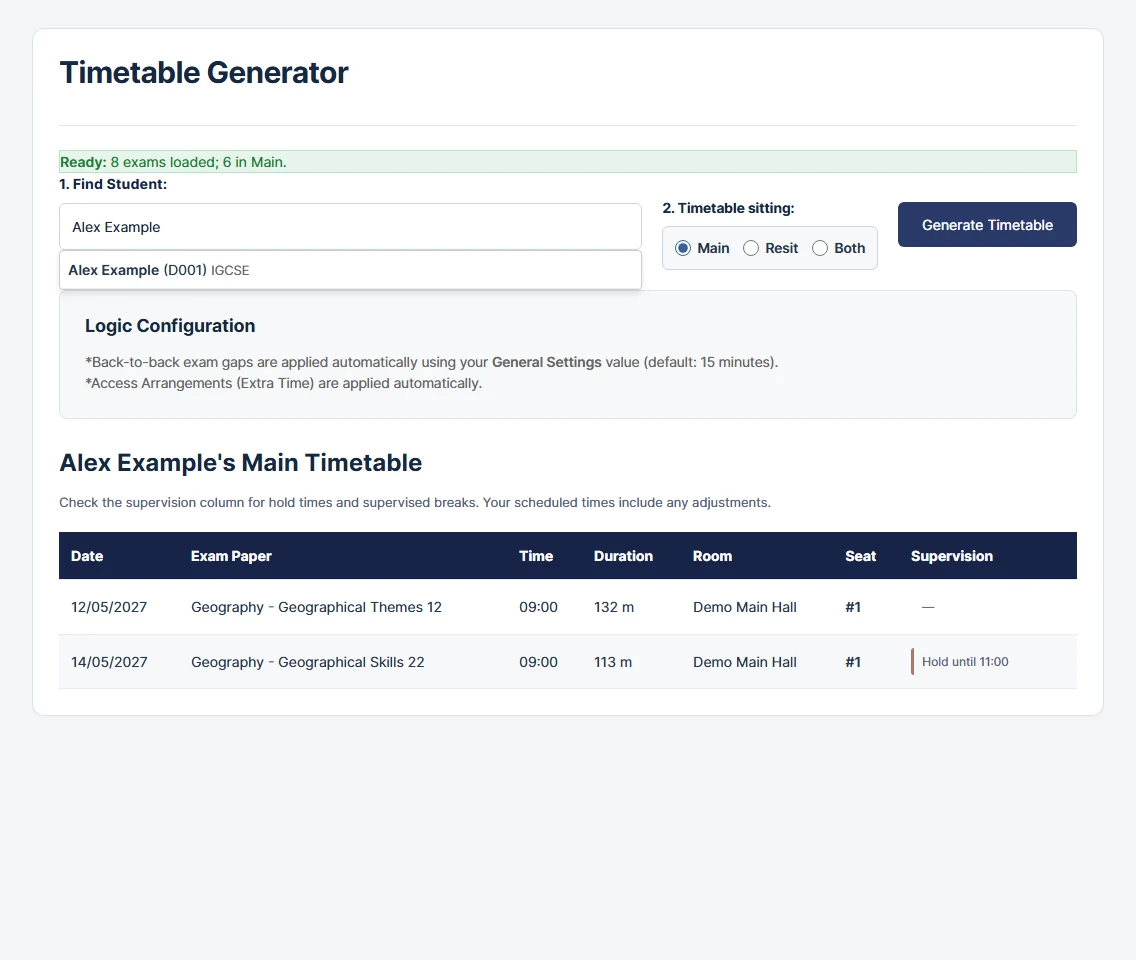
Student timetables keep dates, timings, rooms and supervision details together.
The output matters
A shared style across the room pack, with school branding and the board and access colours your team relies on.
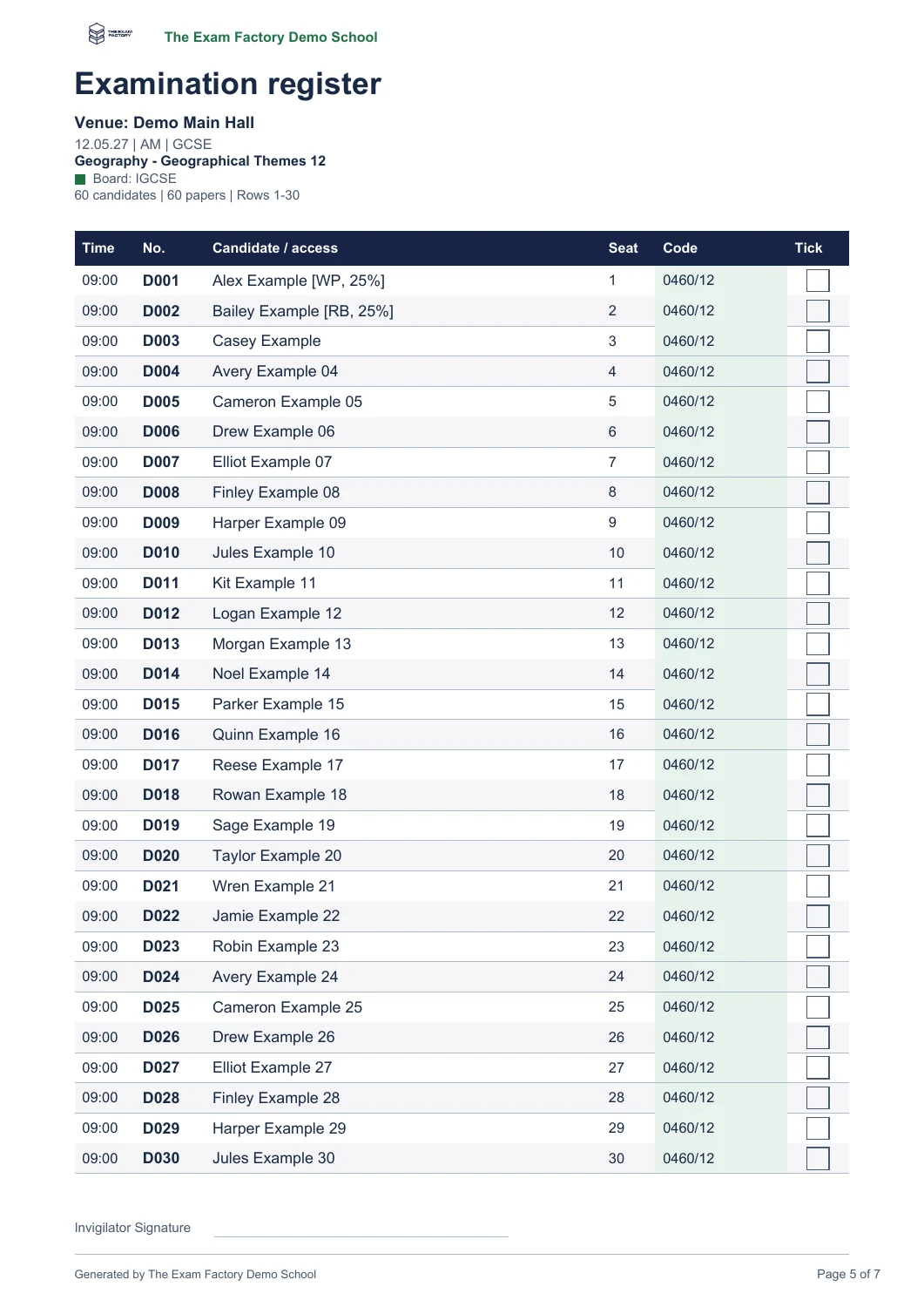
Clear names and candidate details, with space for attendance marks.
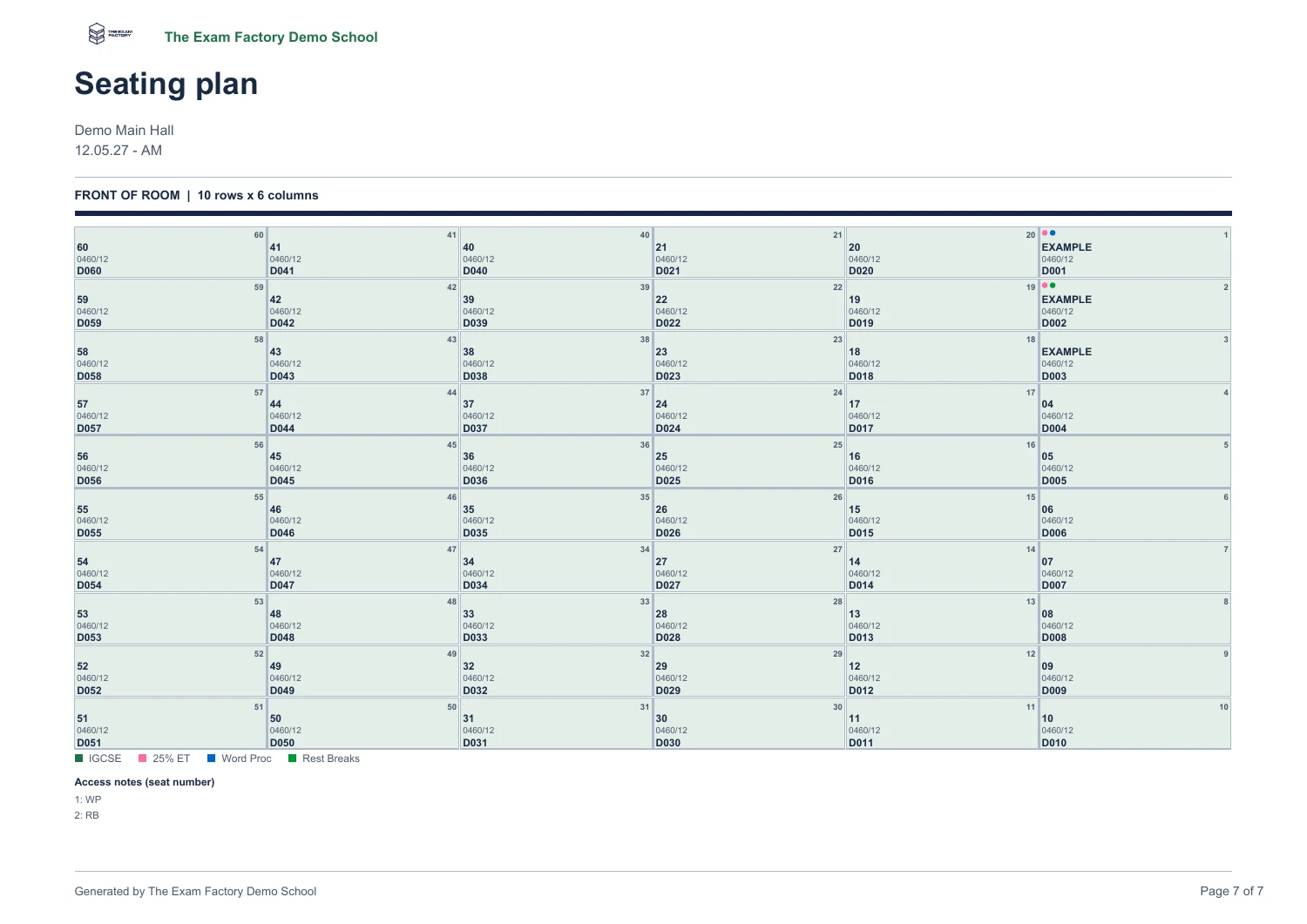
Keep the configured layout, seat positions and important colour cues.
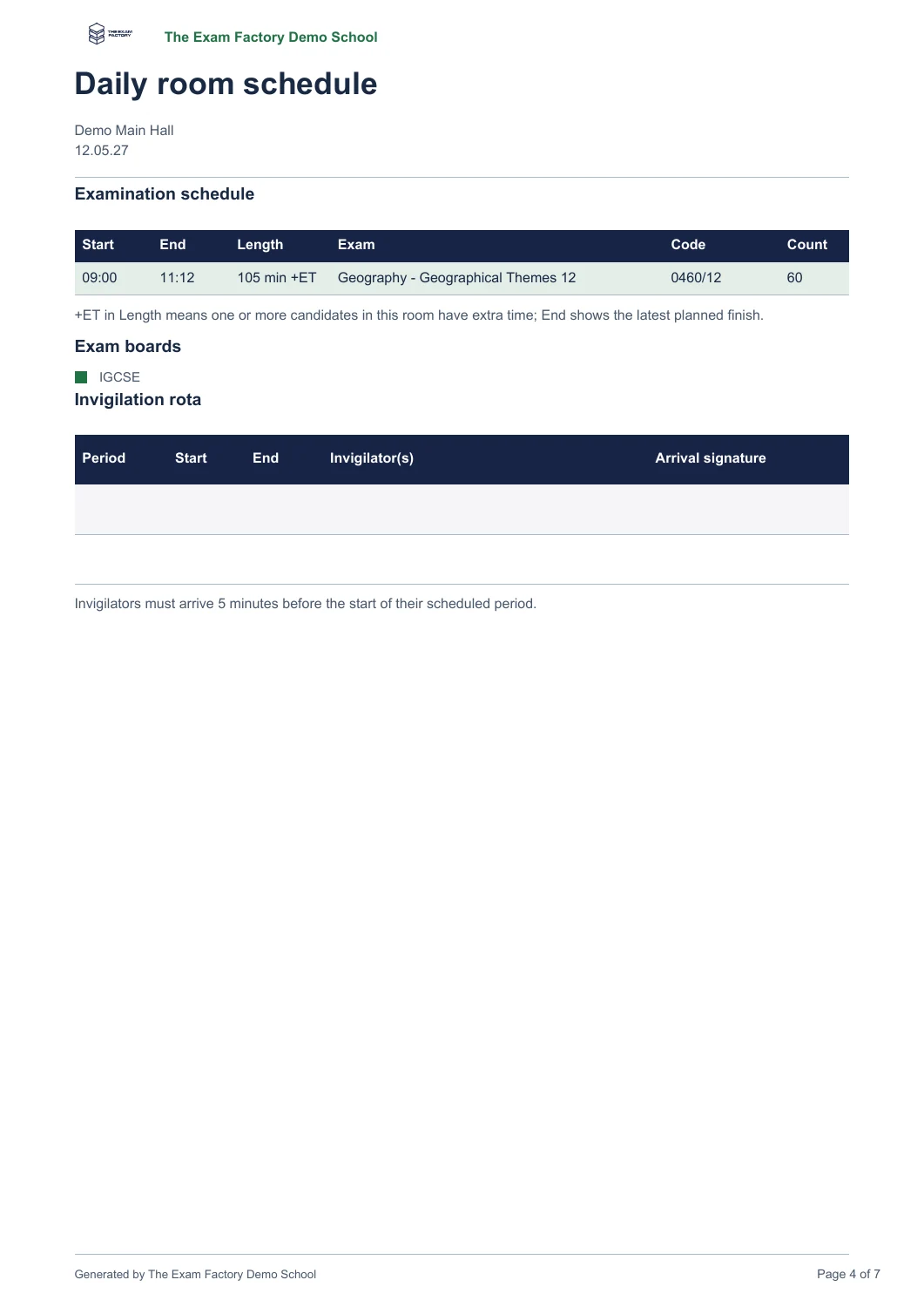
Timings, staffing and an arrival-signature column in the daily room schedule.
Actual software outputs from a fictional school. Download a sample to inspect it at full size.
Your school, your series
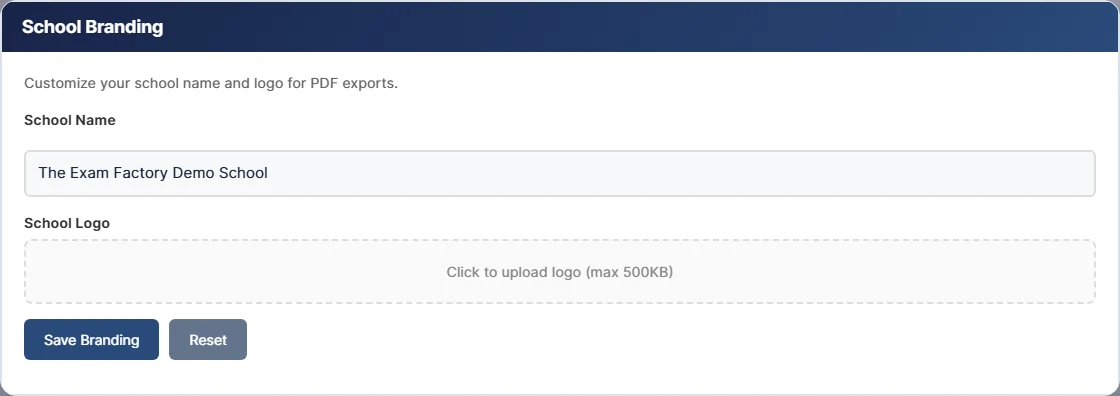
Use your school badge and centre numbers on the output. Configure board and access labels, choose light or dark appearance, and use key times only where the series needs them.
Keep a separate profile for each series, with a deliberate backup and saving routine.
See the illustrated user manual →School access
Explore the core workflow first. Contact us when you are ready to discuss the full set of school tools.
Explore
For evaluating the app and trying the core planning workflow.
Prepare the full series
Reviewed access for the wider operational workflow.
Ask The Exam Factory about the current access and support options for your school. Cloud profiles use an explicit save and open workflow.
A few candidates, one access arrangement and a checked sample pack.